
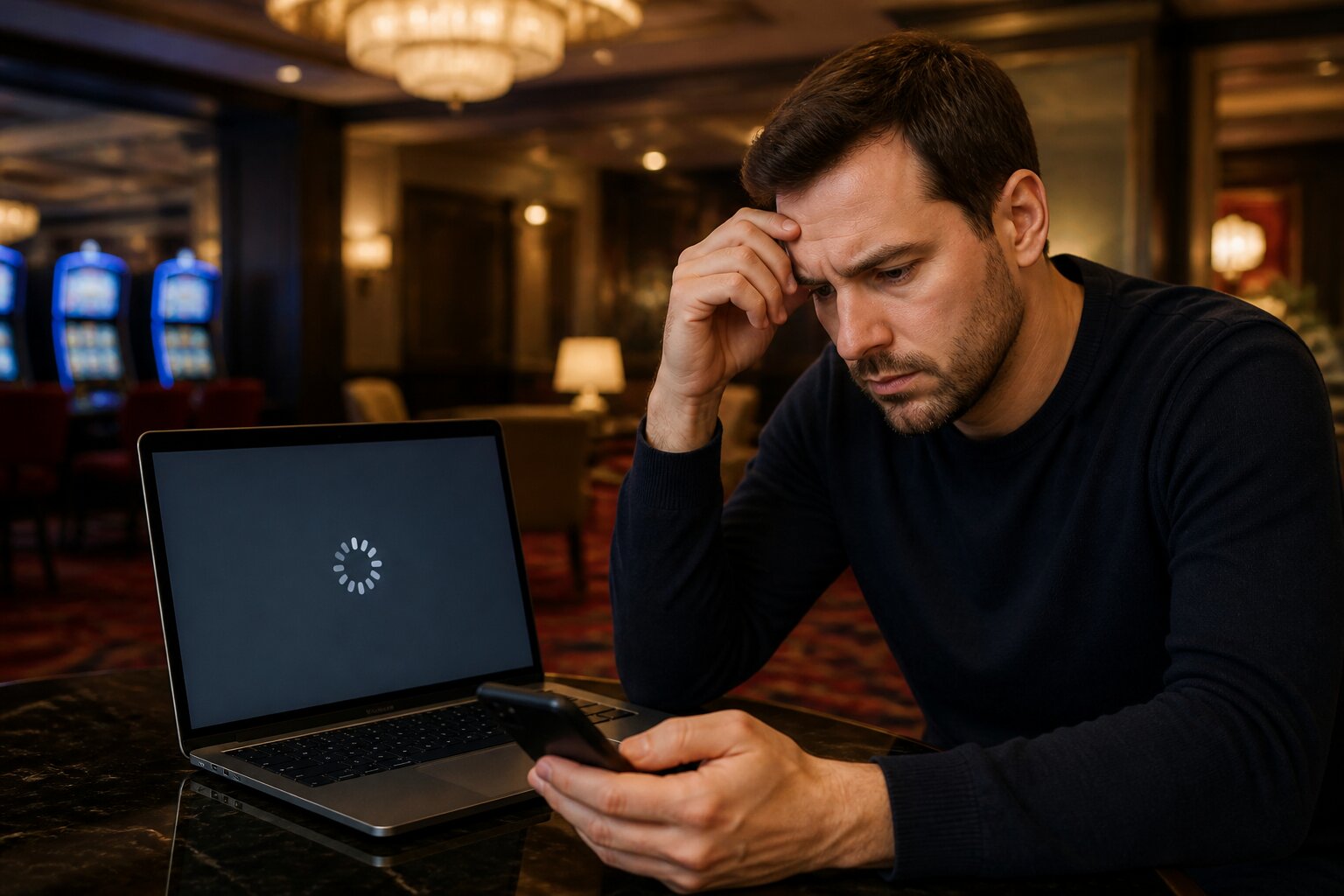
Online casino games are enjoyable until a frozen screen or a stubborn loading wheel interrupts play. If you’ve ever been left waiting for a game to start or worried a glitch might affect your session, you’re in the right place.
This guide explains the common causes of freezes and loading problems, how to identify them, and what typically resolves them — all in straightforward terms so you can get back to playing without confusion.
Ready to troubleshoot with confidence? The sections that follow take you through likely causes and practical explanations so you know what’s happening and why.
Common Causes of Frozen Screens in Casino Games
A frozen screen almost always points to a technical issue rather than the game itself. One frequent cause is an unstable or slow internet connection: brief drops in Wi‑Fi strength or congestion on a network can interrupt the data stream the game needs to run, causing images or controls to lock up.
Outdated software is another recurring problem. Modern browser-based and app games rely on up-to-date browsers, operating systems and apps; when those components fall behind, compatibility problems can produce freezes and crashes.
Device resources matter too. Games that include high-resolution graphics and live video feeds demand memory and processing power. If a device has many background apps open or low storage, the system may struggle to keep the game responsive.
Finally, sometimes the issue sits with the game host. Scheduled maintenance, server over‑load during peak times, or provider-side bugs can stop a game from running properly. Providers typically resolve these quickly, but when they happen they can affect many players at once.
Why Won’t My Casino Game Load Properly?
When a game won’t load, the reasons often mirror those that cause freezing, but the symptoms can give clearer clues.
Device storage and memory can prevent assets from downloading or initialising. If the game stalls on the loading screen, it can be because the device cannot allocate enough temporary memory, or there isn’t space to cache graphics and audio.
The browser you use can also be decisive. Some browsers handle multimedia and web standards differently, so a game built with particular technologies may run better on one browser than another. Browser extensions, pop-up blockers or strict privacy settings can block scripts the game needs to start, halting the load process.
App versions matter as well. Apps receive updates that address bugs and change how content is fetched from servers. An older app may attempt connections in ways no longer supported by the game host.
If several players report the same loading failure, that points toward a server-side problem; if it appears only on your device, the issue is most likely local. Knowing where the fault lies helps decide the next steps.
Troubleshooting Steps for Unresponsive Casino Games
When a game becomes unresponsive, the usual course of action involves checking connection, software and device health, and then testing whether the problem persists. Each of the following headings describes a common area to inspect and what that inspection typically reveals.
Check Internet Connection and Speed
A stable connection is the foundation for online games. Observing sudden lags or interruptions while other apps are using the same network suggests congestion or a weak signal.
Try a few simple remedies: restart your router, move closer to the Wi‑Fi source, or switch to a wired Ethernet connection if possible. Running a quick speed test can confirm whether upload or download rates are below what the game needs.
If you are on a mobile network, check whether your device is switching between mobile data and Wi‑Fi, or whether the signal strength drops in your current location. Temporarily disabling VPNs or tethering to a different network can also help isolate the problem.
Clear Browser Cache and Cookies
Browsers store files to speed up load times, but that saved data can become outdated or corrupted. Clearing cache and cookies forces the browser to download fresh game assets and scripts, which often removes obscure errors that prevent the game from responding.
If you prefer not to clear everything, try opening the game in a private or incognito window first. That removes stored data for the session and can show whether cached files are the cause. After clearing cache, restart the browser and reload the game to confirm the effect.
Update or Change Your Browser
Compatibility problems can arise from older browser versions or those with limited support for modern web features. Updating a browser ensures it supports the latest standards.
If updating is not possible, try the game in a different, fully supported browser to see whether the issue persists. Also consider disabling browser extensions or add‑ons, especially content blockers or privacy tools, as these can interfere with scripts and media playback.
Check for Game or App Updates
Game and app updates frequently include bug fixes and improvements to how content loads and interacts with different devices. Ensuring you run the latest version reduces the chance of encountering issues already resolved by developers.
On mobile devices, check the official app store for updates and consider reinstalling the app if problems continue. Also verify your device operating system is up to date, since system updates can affect app behaviour.
If the problem continues after checking these areas, support can verify whether there are wider technical issues and advise on account or device specifics. When contacting support, it helps to provide:
- a clear description of the issue and when it occurs
- screenshots or short video clips showing the unresponsiveness
- your device type, browser or app version, and operating system
- details of your internet connection and any troubleshooting steps you have already tried
Support can investigate server status, account flags and known issues, and recommend further steps or temporary workarounds.
Device Compatibility: Does My Phone or Tablet Matter?
Device type and age affect performance. Newer games often use richer graphics or live streaming for dealers, which demand modern processors and graphics handling. Older phones and tablets may lack the necessary hardware acceleration or updated operating systems, resulting in freezes or failures to open.
Operating system updates carry important compatibility fixes. A device running an outdated OS may not support libraries or security protocols required by newer games. In practice, users with older devices may see slower frame rates, delayed input response or crashes during high-intensity scenes.
If a device repeatedly struggles with multiple games, it’s a sign that either the device needs maintenance — such as closing background tasks and freeing storage — or that the hardware has reached its practical limits for modern titles.
Are Casino Game Errors Specific to Certain Providers?
Occasionally one provider’s games may show more issues than another’s. This can be down to differences in technologies used, the scale of player traffic their servers handle, or staggered deployment of updates. When a provider pushes a new update, some titles may briefly misbehave until any teething problems are ironed out.
That said, regulatory oversight and routine testing mean technical errors do not alter the fairness or the way outcomes are generated. Provider-side faults typically affect availability and performance rather than the underlying systems that determine game results.
If errors appear confined to a particular provider, checking official status notices or contacting support will confirm whether a wider issue is being addressed.
Myths About Casino Game Glitches: What’s the Truth?
There are several persistent myths about glitches changing outcomes or giving certain players advantages. For licensed and regularly tested games, glitches are technical faults rather than mechanisms that influence payouts or odds.
Independent testing and regulation ensure game engines and random number systems operate as intended even when a display freezes or a session disconnects. In practice, technical issues affect the user experience — visuals, controls, connectivity — but not the integrity of the game’s result generation.
Understanding this distinction helps prevent decisions driven by frustration. If an error occurs, expect the host to investigate and, where applicable, restore interrupted sessions in line with their published procedures.
When Should You Contact Customer Support for Assistance?
Customer support becomes essential when local troubleshooting does not resolve the issue or when a fault affects account access, deposits, or withdrawals. Support teams can confirm whether a problem is isolated or widespread, check server and account logs, and advise on next steps.
If a game repeatedly fails on one device but not others, telling support which device and browser you are using speeds diagnosis. If multiple players experience the same problem, support can provide status updates and estimated resolution times.
Support staff can also point you to account tools that control play limits and session notifications. If technical problems interfere with your experience, they can help you pause activity or apply account settings while the issue is resolved.
Preventing Future Casino Game Errors
A few good practices reduce the likelihood of recurring issues and help keep sessions smooth. Regular software updates for your device and apps address compatibility gaps; removing unused apps and freeing storage prevents memory-related crashes. Keeping an eye on network performance and switching to more reliable connections when available also makes a significant difference.
Taking occasional breaks from play gives you a chance to check for updates and lets devices cool and refresh background processes. And if technical problems become frequent, contacting support and documenting when and how they occur helps providers identify and fix root causes more quickly.
Playing within sensible limits and using available account controls supports a safe experience; if technical faults start to affect how you play or feel about playing, pause and use the tools or support channels offered by the operator.
This overview should help you spot why a game freezes or won’t load, what to inspect when problems arise, and when to seek further help so you can get back to a stable experience.
**The information provided in this blog is intended for educational purposes and should not be construed as betting advice or a guarantee of success. Always gamble responsibly.